Extract Only Your Best Conversations! How to Filter and Organize Your ChatGPT History by Model (GPT-4, GPT-5, etc.)
"I know I had a brilliant brainstorming session about this topic, but was it with the smart GPT-4, or the older GPT-3.5?"
If you've been using ChatGPT for a while, especially if you switch between the free and paid tiers, your history is likely a mix of different AI models. You have quick, simple chats with GPT-3.5, and deep, complex problem-solving sessions with GPT-4 or a newer model.
The problem is that over time they all look the same in the official ChatGPT sidebar. Finding the high-quality ones among hundreds of throwaway conversations becomes difficult.
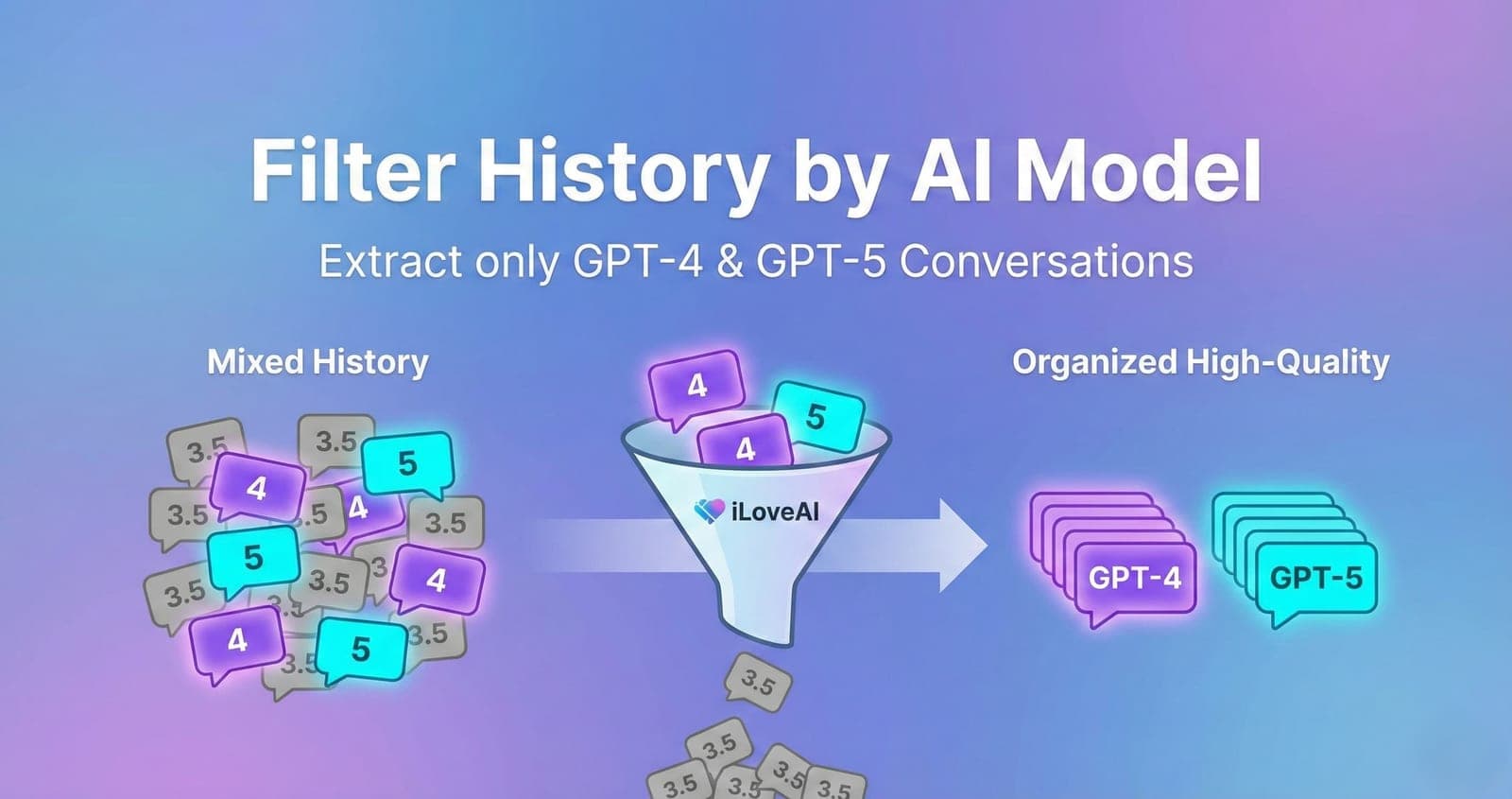
This article shows how iLoveAI reads the model out of your export and lets you narrow the list down to one model family at a time.
The Pain of Mixed Model History
When reviewing past chats on the official ChatGPT website, it is not obvious which model produced the answers until you open the chat and try to remember the context.
That makes it hard to go back to your best work: the complex code you got out of GPT-4, or the long analysis from a newer model, buried under dozens of one-line questions you asked GPT-3.5.
The Solution: Filter by Model in iLoveAI
iLoveAI (ilove-ai.net) reads the model recorded for each message in your exported conversations.json and lets you filter on it.
Here is how to use it.
Step 1: Load Your History and See the Model Names
First, export your data from ChatGPT and load it into iLoveAI. (See our guide: How to View Your ChatGPT History).
Open any conversation and each assistant reply shows the model that produced it, right next to the message. The stats screen also breaks your whole history down by model, so you can see the mix at a glance before you filter anything.
Step 2: Filter by Model Family
In the history screen, next to the search box, there is a funnel icon. Tap it and you get the model families found in your own history, each with the number of conversations:
- GPT-5
- o1
- GPT-4o
- GPT-4
- GPT-3.5
- Claude
- Gemini
- Other
Pick one and the list shows only conversations that used it. Pick All models to clear it.
The filter groups by family rather than by exact model string on purpose. Exports contain slugs like gpt-4o-mini, gpt-4-0613 and text-davinci-002-render-sha; a raw list of those is unusable, while "GPT-4o" is what you actually think in. If your history only contains one family, the funnel does not appear at all, because there would be nothing to choose.
Step 3: Combine It With Search, Tags and Folders
The model filter stacks with everything else. Filter to GPT-4, then search for "regex" inside that subset, or open the folder view and look at one project's GPT-4 conversations only. The active filter appears as a chip at the top of the list, with the number of results, and an x to clear it.
Step 4: Export Your Curated Collection (Optional)
Once you have isolated the conversations worth keeping, select them and use the export options to save them as Markdown or JSON, or reformat them for Claude or Gemini. (Guide: Download History as Markdown/JSON).
Stop digging through throwaway chats to find your best ideas. Filter by model and look only at the conversations that matter.