How to View Your ChatGPT History JSON File Locally & Safely
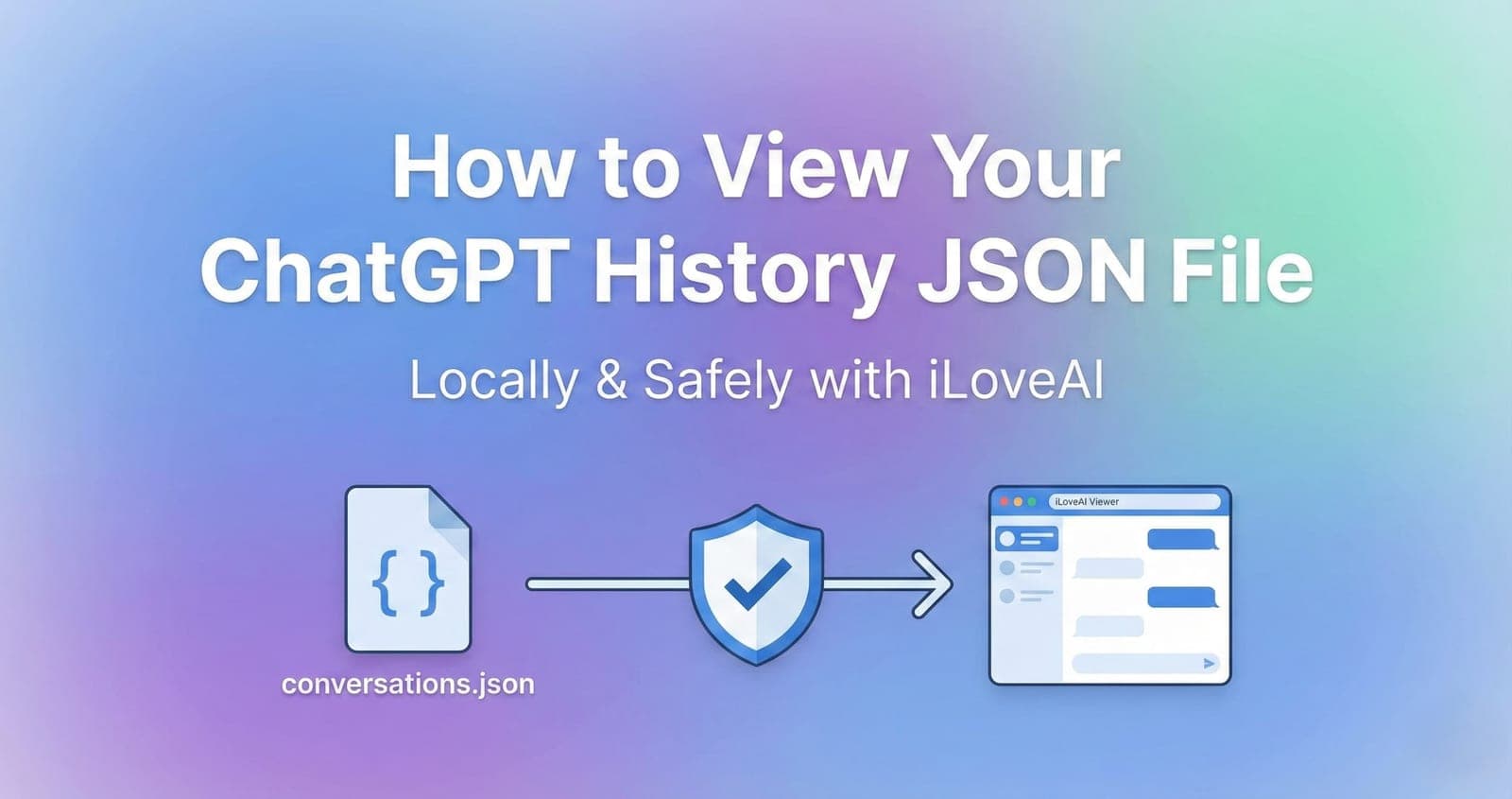
Have you ever exported your data from ChatGPT, only to be confused by the conversations.json file inside the downloaded ZIP? You're not alone. This file contains all your past conversations, but its format is meant for machines, not humans, making it incredibly difficult to read on its own.
This article will guide you through the easiest, safest, and free method to transform that messy JSON file into a clean, readable chat interface using iLoveAI, all while ensuring your private data never leaves your device.
Why is the exported JSON file so hard to read?
When you export your data from ChatGPT, you get a ZIP file containing a conversations.json file. This file holds your entire chat history in a structured data format called JSON (JavaScript Object Notation). While efficient for computers to process, for humans, it looks like an endless block of chaotic text with nested brackets, keys, and values. It's practically impossible to browse your past conversations naturally.
The Solution: iLoveAI - A Private & Beautiful Viewer
iLoveAI (https://ilove-ai.net/) is a free tool specifically designed to solve this problem. It takes your exported conversations.json file and instantly reconstructs it into a familiar, user-friendly chat interface.
Why choose iLoveAI?
The most critical feature of iLoveAI is its 100% local processing.
Many online viewers require you to upload your file to their servers to be processed. This means your entire chat history—which could contain personal information, sensitive work data, or private thoughts—is sent over the internet to someone else's computer.
iLoveAI is different. It processes your file entirely within your web browser using JavaScript. Your data never leaves your computer. It's as safe as opening a file in Notepad on your desktop. No one else can see or access your conversations.
How to View Your ChatGPT History with iLoveAI
Here is the simple step-by-step process to view your history.
Step 1: Export Your Data from ChatGPT
If you haven't already, you need to get your data from ChatGPT.
- Log in to ChatGPT.
- Click on your profile icon in the top-right corner and select Settings.
- Go to the Data controls tab.
- Click on the Export button next to "Export data".
- Confirm the request. You will receive an email with a download link shortly.
Step 2: Download and Unzip the File
- Click the link in the email to download the ZIP file containing your data.
- Unzip the downloaded file. Inside the extracted folder, you will find several files, including one named
conversations.json. This is the file you need.
Step 3: Drag & Drop to iLoveAI
- Open iLoveAI (https://ilove-ai.net/) in your web browser (Chrome, Edge, Firefox, Safari, etc.).
- Locate your
conversations.jsonfile from the previous step. - Simply drag and drop the
conversations.jsonfile onto the large drop zone on the iLoveAI homepage. Alternatively, you can click the drop zone to select the file from your computer.
That's it!
In an instant, iLoveAI will parse the file and display your entire chat history in a beautiful, easy-to-read interface.
Enjoy Your History!
Now you can browse your past conversations just like you would in ChatGPT.
- Sidebar: A list of all your conversations, sorted by date. Click on any conversation to view it.
- Main View: The selected conversation is displayed in a familiar chat format.
- Markdown Support: Code blocks, lists, and headings are all rendered perfectly.
iLoveAI also offers powerful features not found in the official ChatGPT interface, such as blazing-fast full-text search, filtering by model (e.g., GPT-4 only), and one-click formatting for migrating to other AIs like Claude or Gemini.
Start rediscovering your past conversations today, safely and privately, with iLoveAI.