Is Your Data Safe? Why "Local Processing" is Non-Negotiable When Choosing a ChatGPT History Viewer
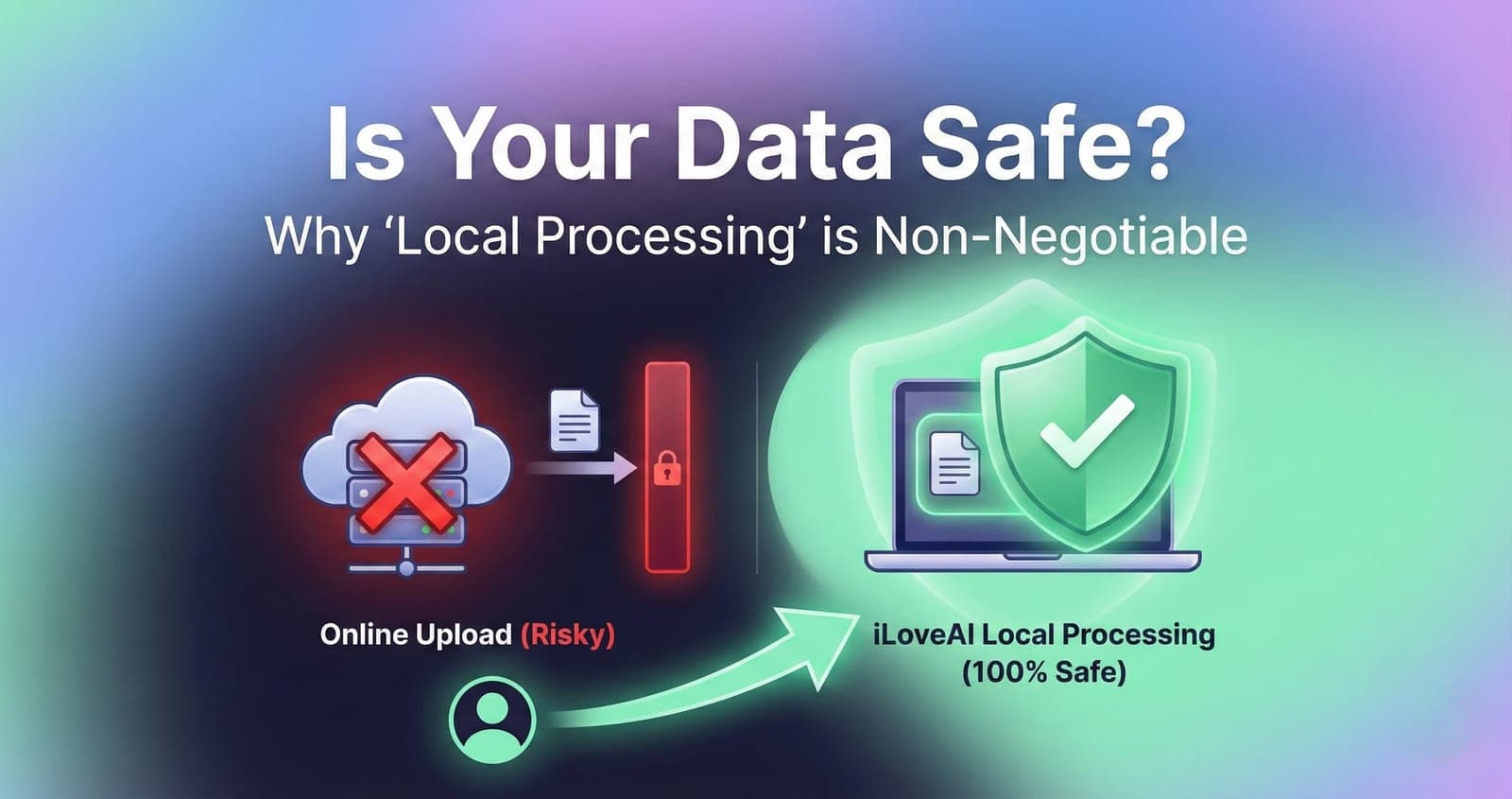
"I want to organize my ChatGPT history, but it contains sensitive work information and private thoughts. I absolutely cannot upload it to an external website."
If this thought has crossed your mind, you are right to be cautious.
Your ChatGPT export file (conversations.json) is a digital archive of your mind. It likely contains proprietary code, business strategies, personal struggles, and confidential data that should never leave your possession.
While many third-party "ChatGPT History Viewers" exist online, most of them operate on a dangerous premise: you must upload your data to their servers to view it.
This article explains why "online" viewers are a privacy risk and why "100% local processing" should be your absolute requirement when choosing a tool.
The Hidden Danger of Online History Viewers
When you use a typical online viewer, the process usually looks like this:
- You visit a website.
- You upload your
conversations.jsonfile. - Your file is transmitted over the internet to that website's server.
- The server processes the file and sends back a webpage displaying your history.
Here is the problem: Once your file leaves your computer, you lose control over it.
- Data Breaches: Even if the website owner has good intentions, their server could be hacked, exposing your data.
- Unclear Policies: Does the site store your data? For how long? Do they use it for analytics or AI training? Often, privacy policies are vague or non-existent.
- Transmission Risks: Although HTTPS encrypts data in transit, sending sensitive information over the internet always carries a non-zero risk.
For anyone handling confidential or deeply personal information, this model is fundamentally unsafe.
The Solution: 100% Local Processing with iLoveAI
The only way to guarantee the safety of your data is to ensure it never leaves your device.
This is the core philosophy behind iLoveAI (https://ilove-ai.net/).
How Local Processing Works
iLoveAI is built differently. It is a modern web application that runs entirely within your web browser (like Chrome, Edge, or Safari) using JavaScript.
When you drag and drop your conversations.json file into iLoveAI:
- Your browser reads the file directly from your computer's disk.
- The JavaScript code running in your browser tab parses the JSON data.
- Your history is rendered into a beautiful chat interface right there on your screen.
At no point in this process is your file transmitted over the internet. No external server ever sees, touches, or stores your data. It’s the digital equivalent of opening a document in Microsoft Word on your desktop—it stays private.
Verify It Yourself
You don't have to take our word for it. Because iLoveAI runs locally, you can verify its safety:
- Disconnect from the Internet: Load the iLoveAI page, then turn off your Wi-Fi or unplug your ethernet cable. You can still drag and drop your file and view your history perfectly. An online tool would fail immediately.
- Inspect Network Activity: Developers can use browser developer tools to monitor network requests and confirm that no data is being sent outwards when a file is loaded.
Privacy is Not a Feature, It's a Requirement
When it comes to your personal history, convenience should never come at the cost of security.
Don't risk uploading your digital life to an unknown server. Choose a viewer that respects your privacy by design.
Choose iLoveAI for completely safe, offline, and local viewing of your ChatGPT history.