How to Export and View Your Anthropic Claude Chat History Locally & Safely
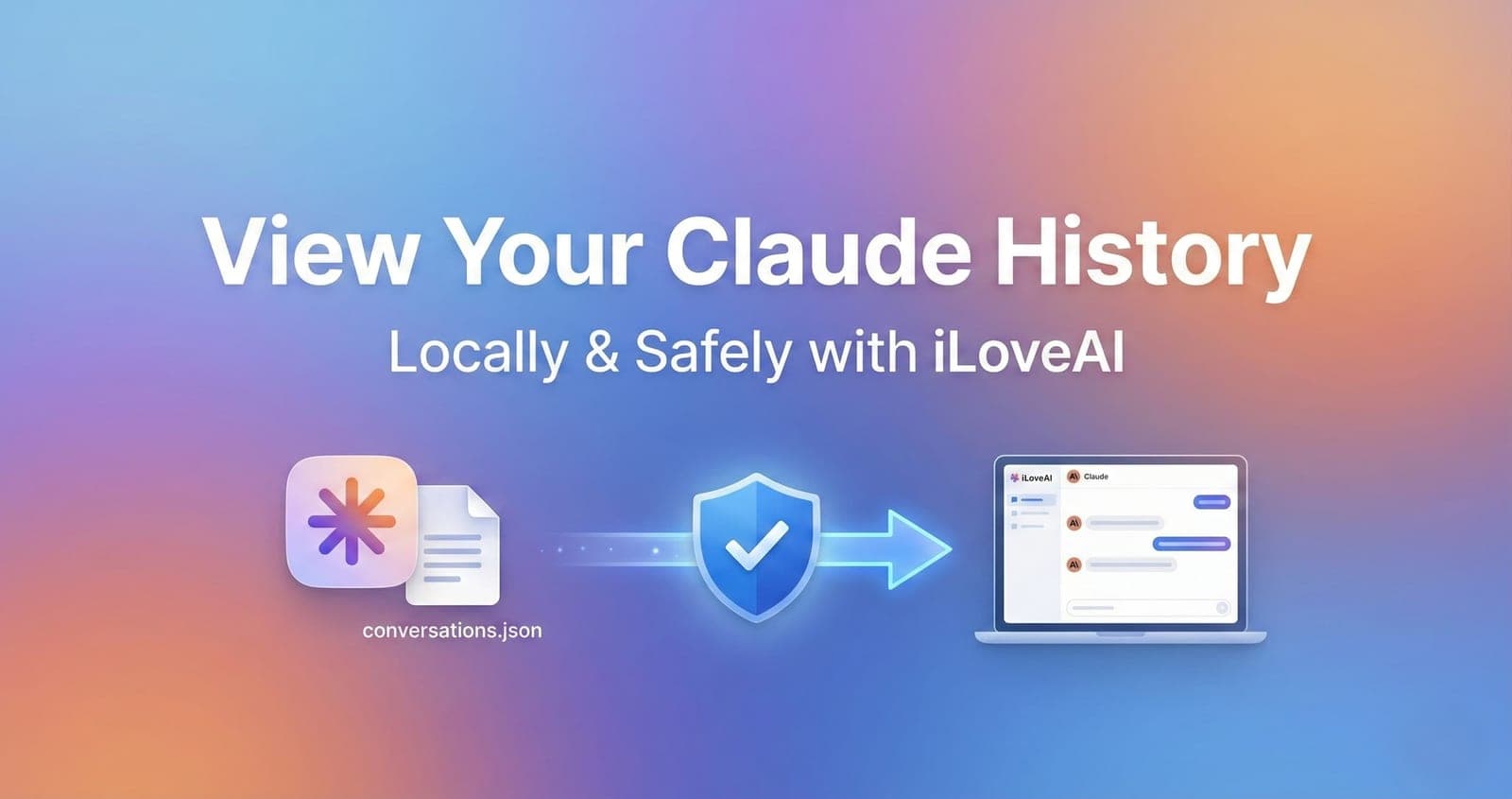
If you're a Claude user, you've probably noticed something frustrating: the official chat interface isn't great for managing your conversation history.
You can't search across all your chats effectively. Finding that brilliant conversation from two months ago? Nearly impossible. And if you want to back up your data or migrate to another AI? You're stuck.
This guide will show you how to:
- Export your complete Claude conversation history
- View it in a clean, searchable interface
- Keep your data 100% private (no uploads, no cloud storage)
- Prepare your history for migration to other AI models
Why You Should Export Your Claude History
1. The Official Interface Has Limitations
Anthropic's Claude.ai interface is excellent for conversations, but not for history management:
- Limited search: You can search, but it's not as powerful as having full control
- No bulk operations: Can't export multiple conversations at once easily
- Organization: Difficult to categorize or tag conversations
- No offline access: Need internet to view your own data
2. Your Data Is Valuable
Your Claude conversations contain:
- Research insights and findings
- Refined prompts that took hours to perfect
- Business strategy discussions
- Creative writing and brainstorming sessions
- Technical problem-solving context
This is your intellectual property. You should have full control over it.
3. AI Model Migration
Maybe you want to:
- Try ChatGPT for certain tasks
- Use Gemini for research
- Switch to a different AI platform entirely
Without your conversation history in a portable format, you lose all that valuable context.
How to Export Your Claude Chat History
Step 1: Access Your Claude Data
- Go to claude.ai
- Log in to your account
- Click on your profile icon (bottom left)
- Select "Settings"
- Navigate to "Data & Privacy" or "Export Data" section
Step 2: Request Your Data Export
Anthropic allows you to request a full export of your data:
- Click "Request Data Export"
- You'll receive an email when your export is ready (usually within 24 hours)
- Download the
.zipfile from the link in the email
Step 3: Extract the conversations.json File
Inside the zip file, you'll find a file called conversations.json. This contains all your chat history in structured format.
What's inside?
json[ { "uuid": "conv_abc123", "name": "Your conversation title", "created_at": "2024-01-15T10:30:00.000Z",
The Problem: Raw JSON Is Unreadable
Opening conversations.json in a text editor gives you thousands of lines of code. Not exactly user-friendly.
You need a way to visualize this data without:
- Uploading it to a third-party service (privacy risk)
- Installing complex software
- Learning to code
Solution: iLoveAI - The Local Claude History Viewer
iLoveAI is a free tool that transforms your Claude export into a beautiful, searchable interface—entirely in your browser.
Key Features
100% Private & Local
- Your
conversations.jsonnever leaves your device - No server uploads, no cloud storage
- Works offline after initial load
- You can literally disconnect your internet and it still works
Clean, Searchable Interface
- Timeline view of all your conversations
- Full-text search across all messages
- Filter by date range
- Sort by most recent or oldest first
Instant Loading
- Optimized for large files (even 100MB+ exports)
- Web Workers keep the UI responsive
- Virtual scrolling for thousands of conversations
Multi-AI Support
- Also works with ChatGPT exports
- Mix conversations from different AIs in one timeline
- Export formatted for migration to other platforms
How to Use iLoveAI with Your Claude History
Step 1: Go to iLoveAI
Visit: https://ilove-ai.net
No sign-up, no installation required.
Step 2: Drop Your conversations.json File
Simply drag and drop your conversations.json file into the browser window.
What happens next:
- iLoveAI automatically detects it's a Claude export
- Parses the JSON structure (this happens in your browser)
- Converts it into a readable format
- Displays your conversation timeline
Step 3: Browse and Search
- Search: Use the search bar to find specific conversations or keywords
- Filter: Click on a conversation to see the full thread
- Navigate: Scroll through your timeline chronologically
- Export: Copy formatted conversations for use in other AIs
Advanced Use Cases
1. Migrating Context to ChatGPT
Found a great Claude conversation you want to continue in ChatGPT?
- Open the conversation in iLoveAI
- Choose an export format. Plain text and Markdown both work for ChatGPT, and each message keeps its role label
- The text is copied to your clipboard
- Paste into ChatGPT to continue the discussion
2. Creating a Personal Knowledge Base
Your Claude conversations are a goldmine of information:
- Research notes: Extract insights from conversations
- Prompt library: Save your best-performing prompts
- Decision logs: Review past reasoning for similar problems
With iLoveAI's search, you can instantly recall any discussion.
3. Comparing Responses
If you use both Claude and ChatGPT, you can:
- Import both exports into iLoveAI
- View conversations side-by-side
- Compare how each AI approached similar questions
- Decide which model works best for specific tasks
Privacy & Security: Why Local Processing Matters
The Risk of Cloud-Based Viewers
Many "JSON viewers" online require you to:
- Upload your file to their servers
- Trust them with your private conversations
- Hope they actually delete your data afterward
Even if they promise privacy, you have no way to verify it.
How iLoveAI Guarantees Privacy
iLoveAI uses a client-side only architecture:
Your Computer
  ↓
  JSON file loaded into browser memory
  ↓
  Parsed by JavaScript (running locally)
  ↓
  Displayed in the UI
  ↓
  Never touches any server
Technical proof:
- Check your browser's Network tab—zero API calls for data processing
- Works with internet disconnected after initial page load
Frequently Asked Questions
Can I use this with ChatGPT exports too?
Yes! iLoveAI automatically detects whether you've uploaded a ChatGPT or Claude export and parses accordingly.
You can even mix both—drop your ChatGPT history and your Claude history together, and iLoveAI will merge them into one chronological timeline.
How big of a file can it handle?
Files up to 300MB per import. Parsing runs in a Web Worker and the list uses virtual scrolling, so the UI stays responsive even with years of chat history.
Does it work on mobile?
Yes! iLoveAI is fully responsive and works on:
- Desktop browsers (Chrome, Firefox, Safari, Edge)
- Mobile browsers (iOS Safari, Chrome Android)
- Tablets
Is my data stored anywhere?
Only on your device. Conversations are kept in your browser's IndexedDB so you don't have to re-import them next time. Nothing is sent to a server, and you can delete everything from Settings at any time. Only prompts you explicitly save are synced to the cloud, and only if you log in.
Can I export my data in a different format?
Yes:
- Copy conversations formatted for other AIs (Claude / Gemini / plain text)
- Download as Markdown or JSON (optionally with your folder structure)
If you need other formats, tell us via the contact form on the About page.
Comparison: iLoveAI vs Other Solutions
| Feature | iLoveAI | Online Viewers | DIY Python Scripts |
|---|---|---|---|
| Privacy | 100% local | Upload required | Local |
| Setup time | Instant | Instant | Requires coding |
| Works offline | Yes | No | Yes |
| Multi-AI support | Claude + ChatGPT | Usually single AI | Depends on script |
| Search & filter | Built-in | Varies | Manual |
| Cost | Free to use | Some charge | Free |
| Updates | Automatic | Varies | Manual |
What Makes iLoveAI Different
1. Built by an AI Power User
iLoveAI wasn't built by a company trying to monetize your data. It was built by someone who had the exact same problem:
- Frustrated with searching old conversations
- Wanted to switch between AI models without losing context
- Needed a privacy-respecting solution
2. Open Development
The roadmap is driven by actual user needs:
- Current: Claude + ChatGPT support
- Coming soon: Gemini, Perplexity
- Requested: Tagging, folders, advanced search operators
3. No Business Model Based on Your Data
The core features (import, browse, search, export) are free. An optional paid license (unlimited prompt saves, cloud sync) funds development. Your conversation data is never collected, analyzed, or sold—it never leaves your device.
Getting Started Today
Ready to take control of your Claude conversation history?
Quick Start (3 minutes):
- Export your data from Claude.ai (Settings → Export Data)
- Wait for email with download link
- Visit ilove-ai.net
- Drag & drop your
conversations.jsonfile - Start exploring your history
That's it. No account creation, no configuration, no complex setup.
Tips for Claude Users
Best Practices for Exporting
- Export regularly: Do it monthly to keep a backup
- Store safely: Keep your
conversations.jsonfiles in an encrypted folder - Version control: Name files by date (e.g.,
claude_export_2024_12.json)
Maximizing iLoveAI
- Use search operators: Try searching for specific keywords or phrases
- Tag conversations: Use the naming convention in Claude to make searching easier later
- Combine with ChatGPT: If you use both, see all your AI conversations in one place
Privacy Checklist
Before uploading anywhere (even iLoveAI), remember:
- Check what's in your export (open in text editor first)
- Remove any sensitive conversations if needed
- Verify the website is the official one (https://ilove-ai.net)
- Check browser network tab to confirm no uploads
The Future of AI History Management
As AI becomes more integrated into our work and lives, owning your conversation data becomes critical.
iLoveAI is building toward a future where:
- You can seamlessly move between AI models without losing context
- Your conversation history becomes a searchable knowledge base
- You maintain complete privacy and control over your data
- Cross-AI workflows are as easy as using a single platform
Conclusion
Your Claude conversation history is valuable. It contains your questions, insights, research, and creative work.
You deserve to:
- Access it easily without navigating a clunky interface
- Search it effectively to find that perfect prompt
- Own it completely without third-party dependencies
- Use it freely across different AI platforms
iLoveAI makes all of this possible—safely, privately, and for free.
Try it now: https://ilove-ai.net